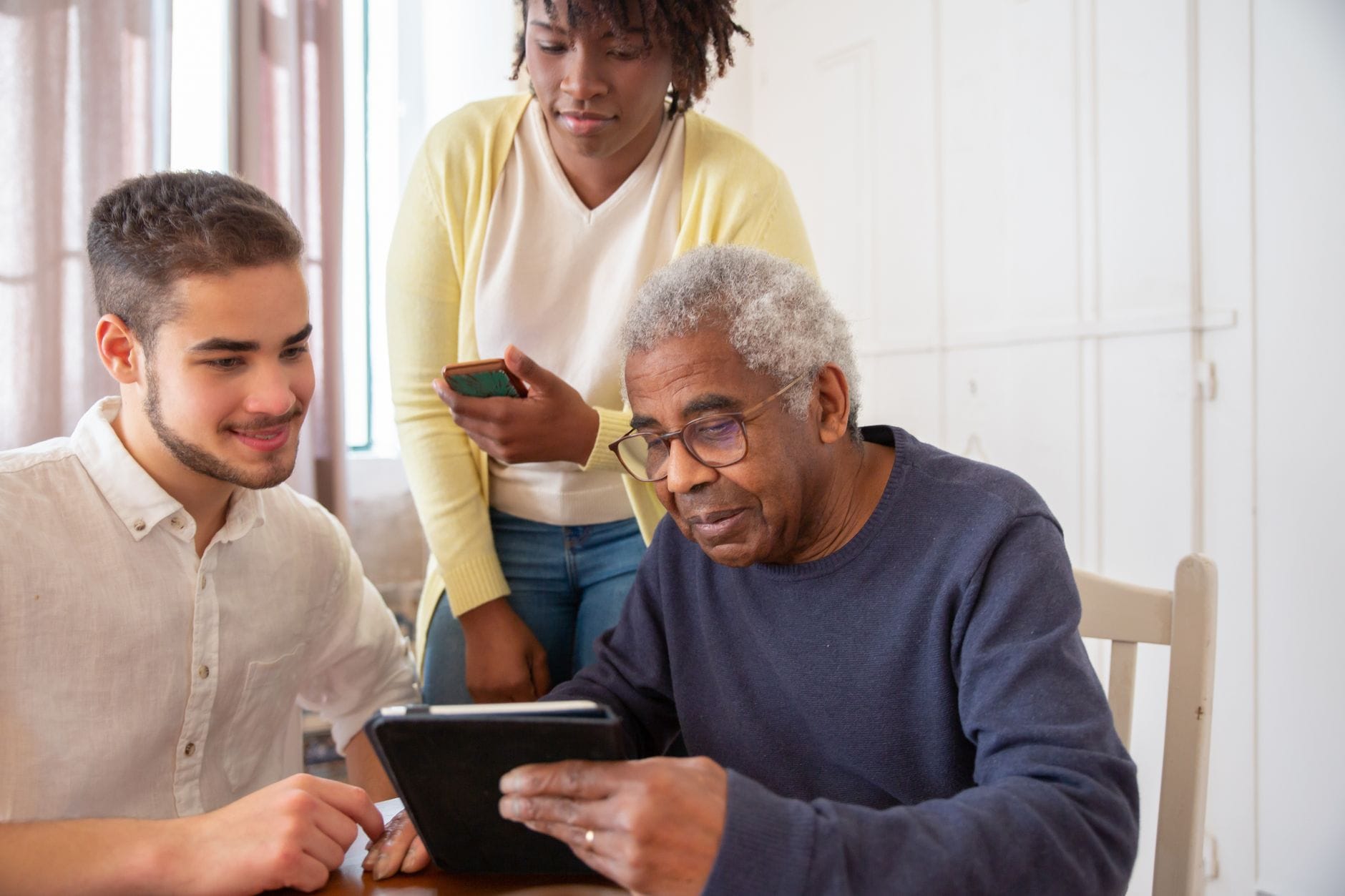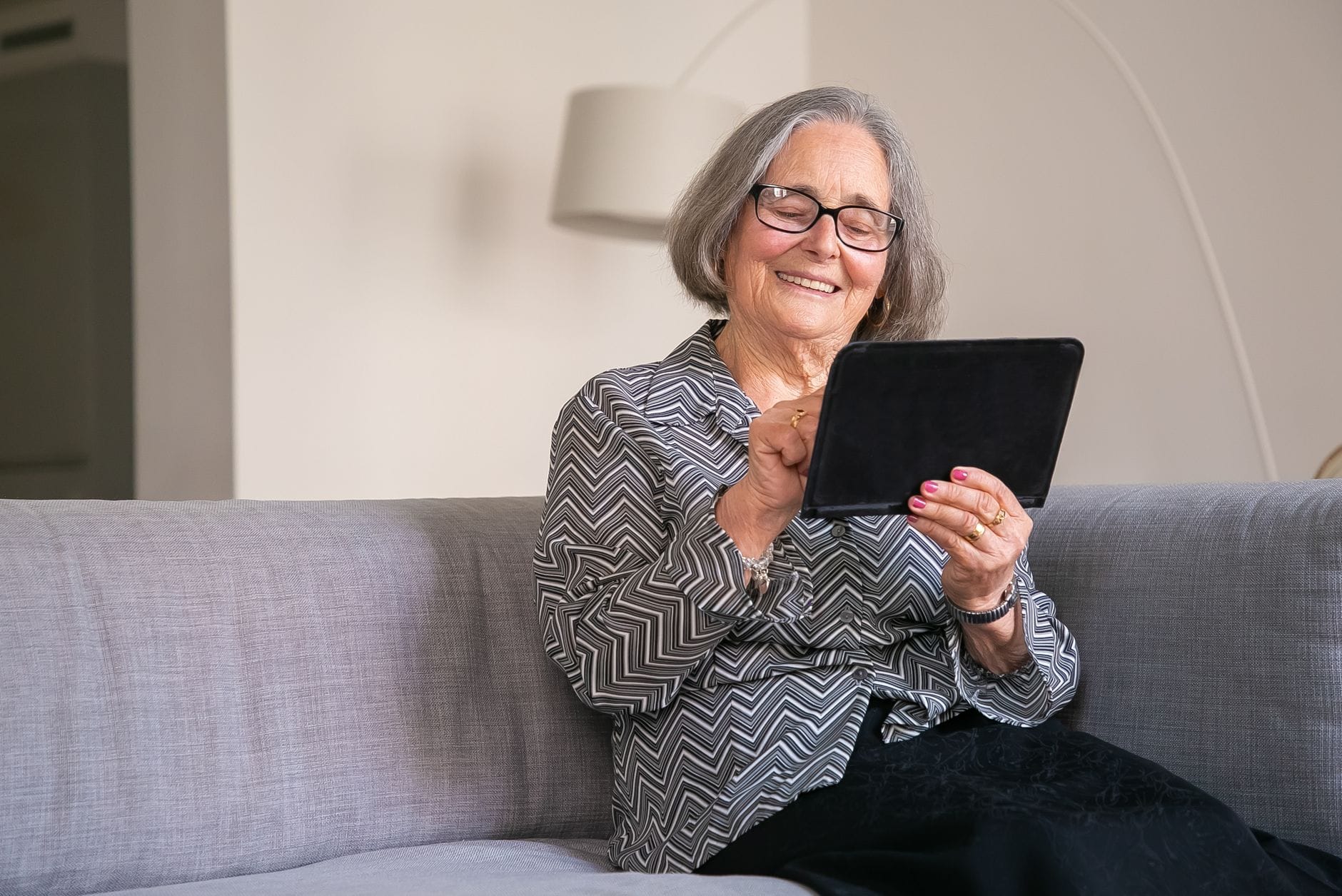
Older adults and caregivers see real benefits from connected devices for connection, safety and convenience. This guide shows where smart-home tech helps most, the pitfalls that derail adoption, and how to choose with confidence.
Why this matters now
Connected devices are no longer niche. Video calling, voice assistants, doorbell cameras, wearables with fall detection and in-home sensors are now everyday options. Many households used telehealth during the pandemic and kept it available. For people who want to live well at home, smart-home tools can help with social connection, safety and day-to-day ease. The barrier is not a lack of gadgets. It is choosing options that are easy to use, respectful of privacy and dependable when it counts.
Where smart-home tech helps most
Communication and engagement. Simple video calling and voice assistants help people stay in touch and reduce isolation. Entertainment is a strong motivator too.
Safety and security. Doorbell cameras, activity or door sensors, and fall detection wearables can provide timely alerts and reassurance.
Everyday convenience. Voice-controlled timers, reminders and smart lighting reduce small hassles that add up.
Caregiver relief. Shared calendars, reminders and basic monitoring can ease coordination and check-ins.
Needs evolve. When people are fully independent, home safety and convenience dominate. As frailty increases, priorities shift toward personal safety, then clinical monitoring. Choose tools that can adapt as needs change.
The hurdles to plan for
Adoption often stalls for predictable reasons:
- Usability and learnability. If setup is fiddly or the interface is cluttered, devices sit in drawers. Voice control, large fonts and simple routines help.
- Privacy and information boundaries. People want control over who sees what, and when. Many are happy to share when benefits are clear, but not by default.
- Reliability, especially for safety. Alerts must trigger consistently and connectivity should be stable. False alarms and missed events erode trust.
- Poor integration. Devices that do not talk to each other, or cannot share data with clinicians, add work instead of solving problems.
- Cognitive variability. Training that works for one person may fail for another. Simpler, repeatable actions reduce frustration.
How to choose and set up with confidence
Start with one concrete problem to solve, then expand only if it works for you. Define the job, such as easier video calls, nighttime lighting, medication reminders or front-door awareness. Try low-friction wins first. Voice assistants for reminders, simple video calling or a doorbell camera can deliver quick value without clinical integration.
Before committing, test usability. Check voice performance, screen readability, button size and whether common tasks take one or two steps, not five. Check reliability and return policies. For safety features, ask how alerts work if Wi-Fi drops. Prefer options you can trial and return if they do not fit.
Set clear sharing rules. Decide what data is shared, with whom, and how alerts escalate. Revisit these settings together after a few weeks. If you are considering clinical devices, ask clinicians in advance whether and how they can accept or review readings. Prefer products that make data export or sharing straightforward.
Plan for change. Set up simple routines and permissions that can be adjusted if cognition or mobility shifts. Avoid piling on redundant gadgets.
Safety tech, used wisely
Fall detection wearables and in-home sensors are now mainstream expectations for safety. They can offer reassurance, but treat them as part of a plan, not the whole plan.
- Understand coverage. Wearables help outside the home, fixed sensors do not. Some people dislike wearing devices, others forget to charge them.
- Build a backup. Agree who is notified, and what happens if an alert is missed. Keep phone numbers current and test alert flows.
- Be realistic about evidence. This briefing does not provide figures showing reduced falls or hospitalisations from specific devices, and it does not report failure rates. Verify performance claims, then start with a trial.
Keep control of data sharing
Both caregivers and care recipients worry about oversharing. Comfort rises when the benefit is clear and sharing is limited to the right people. Look for granular controls so you can share presence or alerts without streaming video or detailed histories. Prefer transparency. Select products with plain-language privacy policies and clear settings, and avoid tools that demand broad access without a clear purpose.
Review as needs change
Revisit your setup every few months. As priorities move from home safety to personal safety and possibly clinical monitoring, adjust routines and permissions, and remove devices that are not pulling their weight. Simpler is usually more reliable.
A smart home should feel like a helping hand, not another to-do list. Start small, protect your privacy, test for dependability and build only on what proves useful.
Find out more
- Personal alarms, monitoring systems (telecare) and key safes - NHS — Practical, authoritative NHS guidance on personal alarms, telecare monitoring and key safes — what these services do, important technical caveats (eg digital landlines) and links to UK charities and further help.
- Smart devices: using them safely in your home | National Cyber Security Centre — National Cyber Security Centre advice for consumers on using smart devices safely at home, including basic steps to reduce privacy and security risks when connecting cameras, assistants and other IoT kit.
- Help at Home - Use of assistive technology for older people — An NIHR-focused review of research on assistive and smart-living technologies for older people — useful background on what trials and real-world studies have found about effectiveness and user acceptability.
- Fall Detection Devices and their Use with Older Adults: A Systematic Review — A systematic review (open access) on fall-detection devices for older adults — a deeper look at device types, reported accuracy and the limits of the evidence base.
- 5 Best Medical Alert Systems of 2026 — AARP’s evaluated guide to leading medical alert systems (including fall-detection features) with testing-based ratings — helpful when comparing real products and service plans.
Image: Photo: Marcus Aurelius / Pexels